
Studio.
From Insight
to Action.
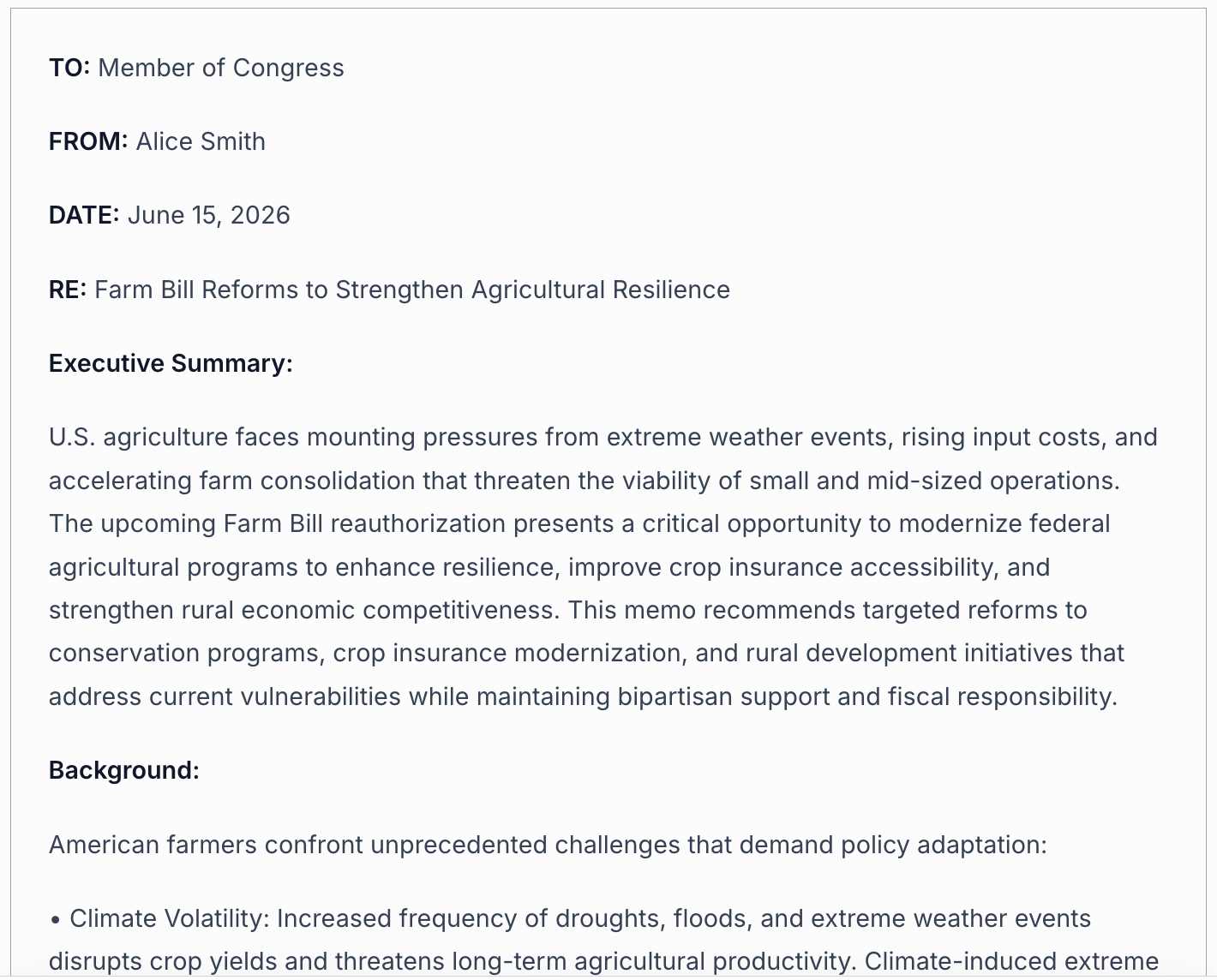
Generate client-ready memos, floor speeches, and constituent correspondence on demand. Studio turns a plain-language brief into a fully structured, source-grounded deliverable — formatted and ready to send.
Type a prompt — or use
structured guidance
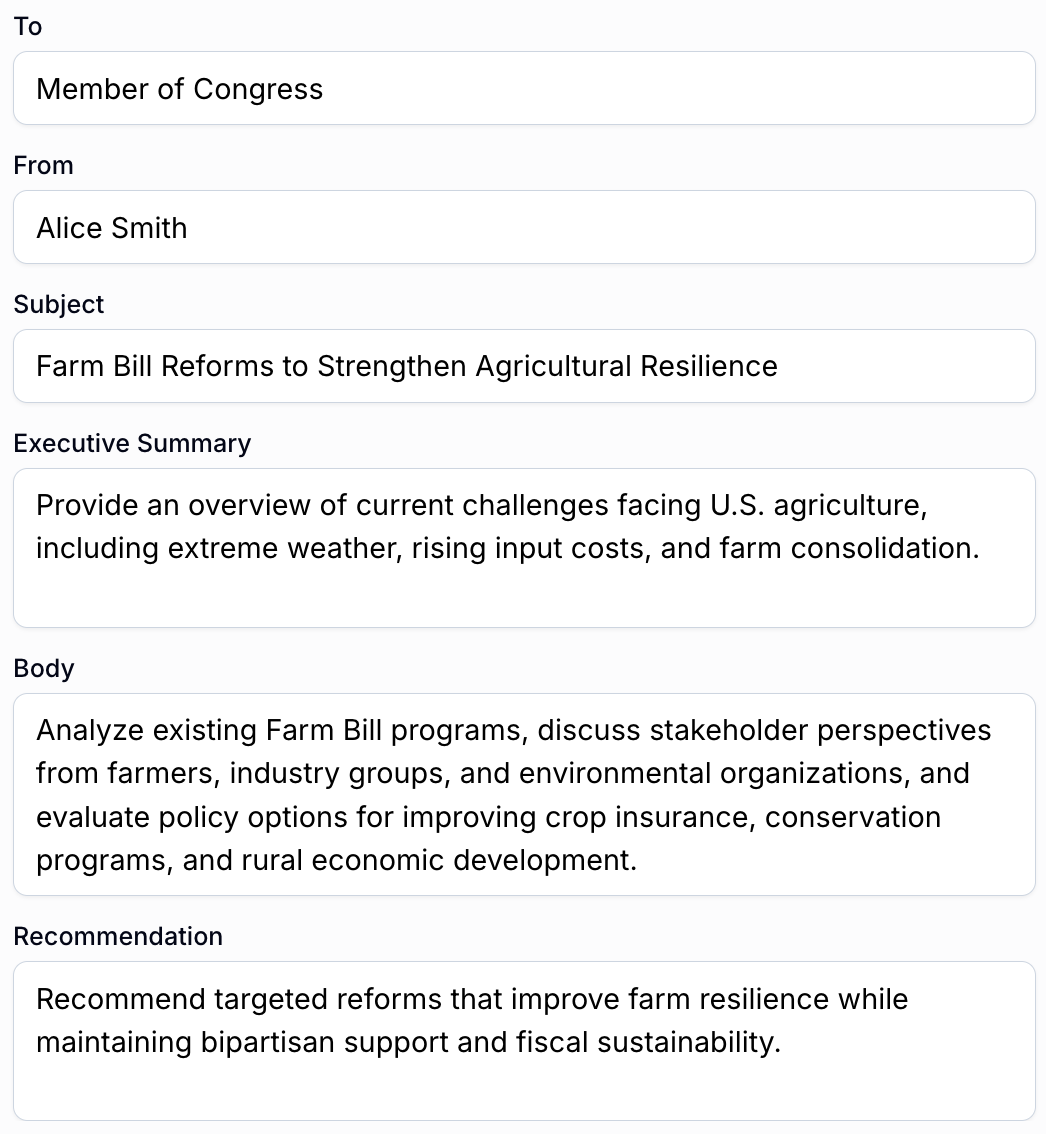
Start with a plain-language brief and click Generate for a fast first draft. Or open structured options to set the recipient, frame the executive summary, direct the body, and shape the recommendation — before Studio builds the document. Either path, you control the output.

Sources
Attach sources.
They show up in your text.
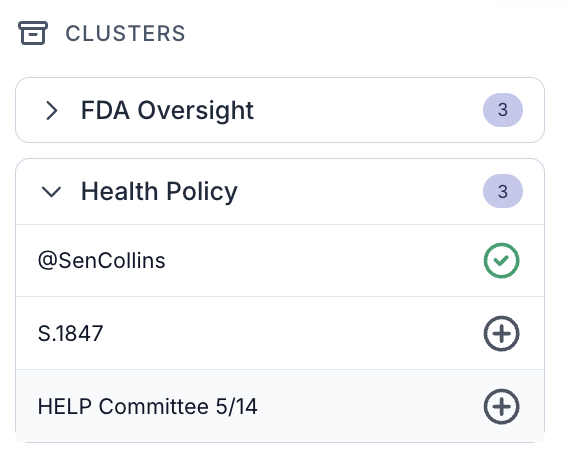
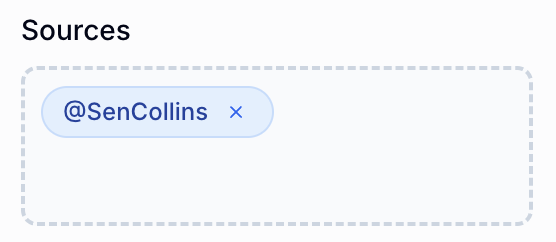
Before you generate, attach clusters of legislative intelligence — bills, committee hearings, member statements — and Studio draws on them directly. Sources aren't decorative citations added after the fact; they shape the analysis and appear as grounded references throughout your document.
Example
Attach the Health Policy cluster — Sen. Collins's statement, S.1847, and the HELP Committee 5/14 hearing — and every relevant paragraph cites them by name.
Refinement
Iteratively refine sections
with AI
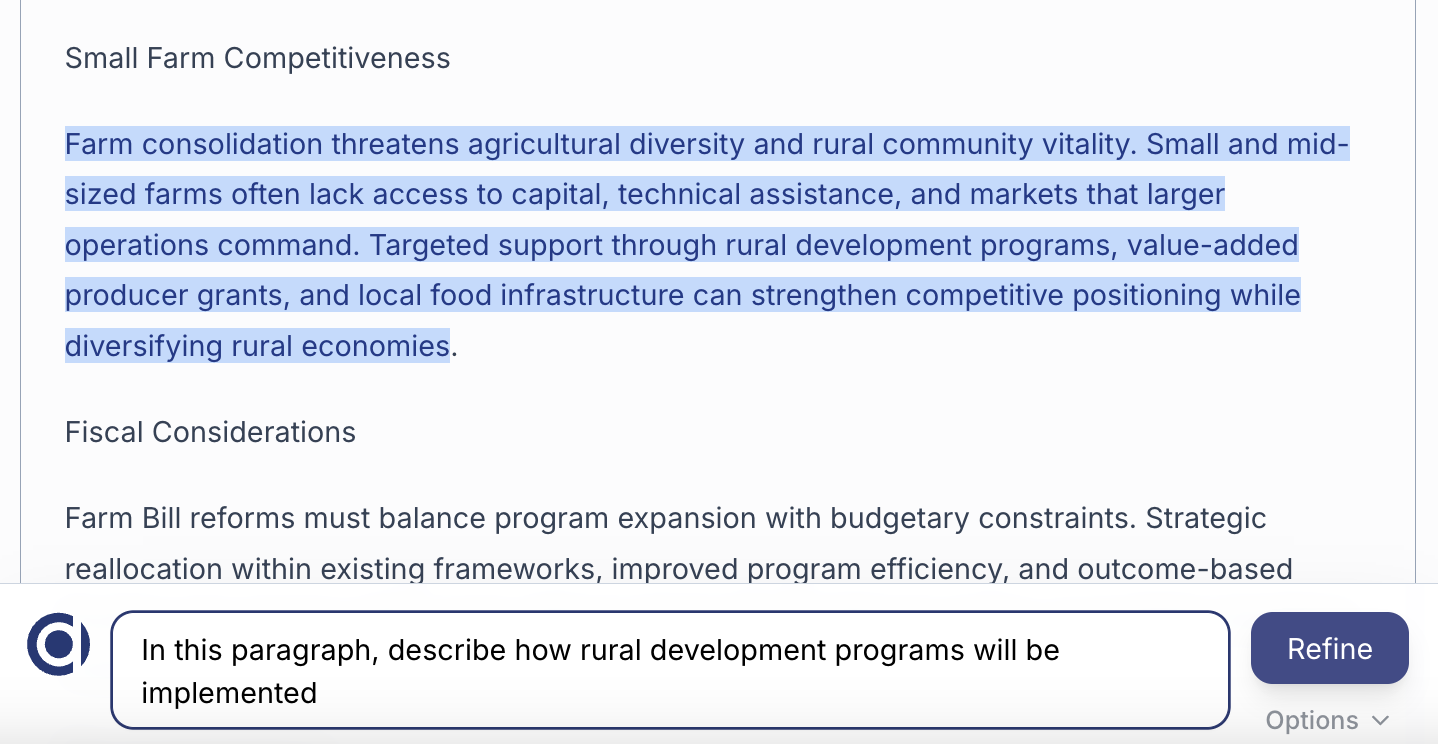
After the first draft, Studio lets you target any paragraph with a plain-language instruction. Expand a section, push deeper on a specific point, or shift the emphasis — right in context, without starting over. Iterate until it's exactly what you need.
Example
"In this paragraph, describe how rural development programs will be implemented" — one instruction, the section is updated instantly.
Document Management
All your drafts, in one place
Memos, speeches, and correspondence — organized and accessible. Pick up where you left off, spin up a new draft, or revisit an older document without hunting through email threads. Studio keeps your entire drafting history ready when you need it.

From intelligence to deliverable
See Studio in action
See how teams go from a policy brief to a client-ready memo in minutes — without starting from scratch.